
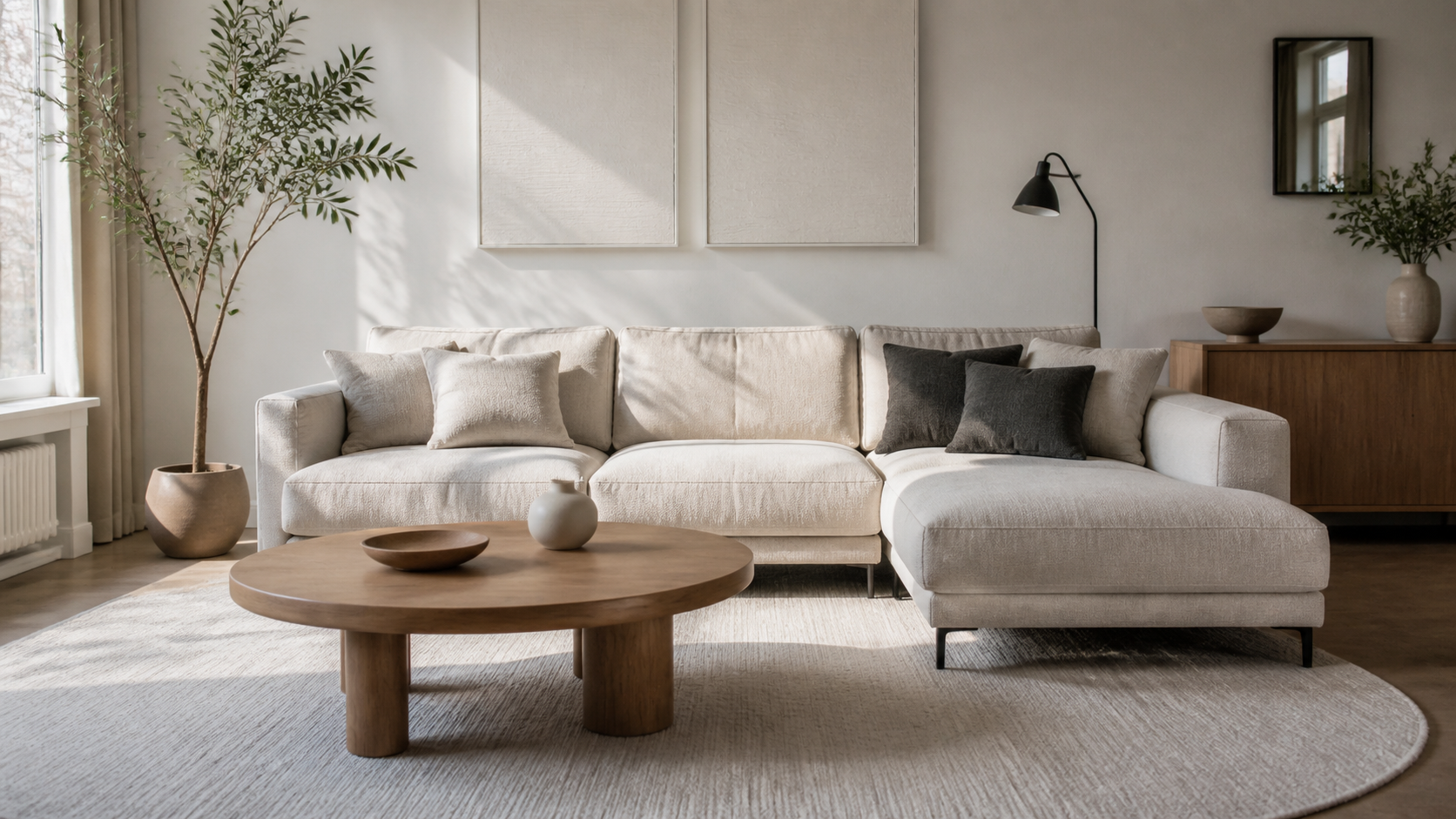
By 2 p.m., my living room used to turn into a mirror with a couch in front of it. Sun poured through the big windows, bounced off the pale walls, and landed right on the TV screen. Watching a movie? Forget it. Even the morning news looked washed out unless I pulled every blind shut.
And honestly, I didn’t want to live in a dark cave just to watch television.
After trying curtains, rearranging furniture, and squinting through more than a few “bright room” TV demos, I finally found a TV setup that works in my too-bright living room. If your space has large windows, skylights, glass doors, or a wall that catches afternoon sun, you can fix this. You just need to shop for the right features and set the room up to support them.
The Real Problem With TVs in Bright Living Rooms
A bright living room is lovely until you want to see what is happening on screen. The issue is not only sunlight. It is also glare from windows, lamps, shiny coffee tables, white walls, and even light-colored flooring.
We have all had that moment: you sit down for a Saturday movie, press play, and suddenly see your own reflection more clearly than the actors. Annoying.
Most TVs struggle in sunny rooms for two reasons:
- Low brightness: The screen cannot compete with strong daylight, so images look gray, faded, or flat.
- Screen reflections: Light hits the panel and reflects back toward your seating area.
A TV can have a huge screen, sharp resolution, and plenty of smart features, but if it is too dim or too reflective, it will still disappoint in a sunny space.
What Finally Worked: A Bright TV With Strong Anti-Glare Performance
The TV that solved my problem was not chosen because it was the biggest or cheapest option. I focused on two practical things: high peak brightness and good reflection handling.
For a bright living room, those details matter far more than most of the flashy features on the box.
Brightness Is the First Thing to Check
Look for a TV that can get genuinely bright, especially if sunlight hits the room during the day. LED TVs, Mini-LED TVs, and QLED-style TVs often perform very well in bright spaces because they can produce a stronger image than many standard models.
OLED TVs can look beautiful, especially at night, but some models may struggle when placed directly across from sunny windows. If you love OLED picture quality, choose a newer, brighter model and pay close attention to the room layout.
When shopping, do not rely only on the store display. Retail lighting is different from real daylight. Read reviews that specifically mention brightness, daytime viewing, glare, and reflections.
Anti-Reflective Screens Make a Huge Difference
A bright screen helps, but it is only half the story. A glossy TV panel can still reflect every window, lamp, and ceiling fixture in the room.
The best TV for a sunny living room should have a screen coating designed to reduce reflections. This does not make sunlight disappear completely, but it can soften harsh glare enough that you can actually watch the screen without closing every shade.
If possible, visit a store during the day and look at the screen from different angles. Stand near a bright display light. Move to the side. If the panel turns into a clear mirror, keep looking.
My Simple Shopping Checklist for a Bright Room TV
Before buying, I recommend making a short list and sticking to it. It is easy to get pulled in by fancy sound modes and streaming apps, but the basics should come first.
- High brightness: Choose a TV known for strong daytime performance.
- Low-reflection or anti-glare screen: This is especially important if the TV faces windows.
- Good viewing angles: Helpful in open-plan rooms where people sit off to one side.
- Local dimming: This helps create better contrast, so bright scenes still have depth.
- Matte or low-gloss finish: A less reflective finish can be easier to live with.
- Wall-mount compatibility: Being able to adjust placement can solve a lot of glare issues.
You do not need every premium feature available. You need a TV that works with your room, not against it.
Placement Matters Almost as Much as the TV Itself
I wish I could say buying the right TV fixed everything on its own. It helped a lot. But moving the TV and cleaning up the surrounding area made the bigger difference.
Never Place the TV Directly Opposite a Window If You Can Avoid It
This is the number one layout issue I see in bright living rooms. When the TV sits directly across from a large window, the screen catches a full reflection of the outdoors. You may see trees, clouds, passing cars, or your own face staring back at you.
If possible, place the TV on a wall that is perpendicular to the main window. In plain English: put it beside the window, not straight across from it.
Even shifting the TV a few feet can change the angle of reflected light. Small move. Big relief.
Try a Swivel Wall Mount
A swivel wall mount is one of my favorite practical fixes for an awkward living room. It lets you angle the TV slightly away from windows during the day, then center it again for movie night.
This also helps if your seating arrangement is not perfectly centered. Instead of pushing furniture around every time family or friends come over, you can adjust the TV angle in seconds.
Just make sure the mount is rated for your TV’s size and weight, and plan cable placement before drilling.
Simple Window Treatments That Help Without Darkening the Room
You should not have to choose between natural light and a watchable TV. The goal is to soften direct glare, not block the whole room from daylight.
Use Solar Shades for Daytime Glare
Solar shades are a smart choice for rooms with big windows. They filter harsh sunlight while still letting you see outside and keeping the space bright. They are especially useful for sliding glass doors and wide picture windows.
Choose a darker openness factor if glare is severe. A lighter option will preserve more of the view but may not cut enough reflection.
Layer Curtains With Shades
For the most flexible setup, layer simple curtains over solar shades or blinds. Use the shade during normal daytime hours, then close the curtains for a daytime movie, a big game, or a lazy weekend binge-watch.
Keep the curtain panels neat and full-length. This makes the room feel finished without crowding the wall around the TV.
Space-Saving TV Setup Tips for a Less Cluttered Living Room
A bright room often has another challenge: it can feel visually busy. Light bounces off every surface, and extra cords, remotes, baskets, and bulky media furniture become much more noticeable.
Let’s keep the TV area calm.
Mount the TV and Free Up Floor Space
Wall-mounting the TV is one of the easiest ways to make a living room feel larger. It removes the need for a deep entertainment center and gives you more open floor space for a storage ottoman, kid-friendly bins, or simply easier walking paths.
If you rent or cannot mount the TV, choose a narrow media console with closed storage rather than a wide, open shelf unit.
Hide Cables Before They Become Visual Clutter
Nothing makes a polished TV wall look messy faster than dangling cords. Use a paintable cord cover, cable box, or under-console cable tray to keep everything contained.
- Label each cable before bundling it.
- Use hook-and-loop ties instead of permanent zip ties.
- Keep a little extra cable length for future adjustments.
- Store spare HDMI cords and remotes in one small labeled bin.
It is such a small project, but you will notice the difference every single day.
Choose Closed Storage for Media Accessories
Streaming sticks, game controllers, headphones, chargers, batteries, and remotes can take over a room quickly. We have all stared at a coffee table covered in mystery cords and wondered where they came from.
Use drawers, lidded baskets, or a media console with doors to keep those items nearby but out of sight. Give each category a home:
- One drawer: remotes, batteries, and instruction manuals.
- One basket: game controllers and charging cables.
- One shelf or bin: DVDs, board games, or headphones.
Less visual clutter means less competition around the screen, which actually makes watching TV more comfortable.
Settings That Make Your TV Easier to Watch During the Day
Once the TV is in place, take five minutes to adjust the picture settings. Factory settings are not always designed for your bright, sunny room.
Use a Daytime Picture Mode
Most TVs offer modes such as Standard, Cinema, Filmmaker, Sports, or Vivid. Cinema and Filmmaker modes can look wonderful in a dark room, but they may be too dim for afternoon viewing.
For daytime, try Standard or a brighter custom setting. Raise the backlight or brightness control if needed, but avoid pushing sharpness too high. Too much sharpness can make faces and text look strange.
Turn Off Energy-Saving Settings When Watching in Bright Light
Many TVs automatically dim the screen to save power. That is useful in some situations, but it can make a sunny-room problem worse.
Check for settings called Energy Saving, Eco Mode, Ambient Light Sensor, or Power Saving. If the picture keeps changing as clouds pass outside, one of these settings may be the reason.
You can always turn those features back on later if you prefer them at night.
Don’t Forget About Nighttime Viewing
Here is the funny part: a TV that looks great in broad daylight can feel overly bright after sunset. That is why I like using separate daytime and nighttime settings.
At night, lower the backlight, switch to a warmer color temperature if you like, and use softer lamps instead of harsh overhead lighting. A small lamp behind or beside the seating area can make the room cozy without creating a reflection on the screen.
Avoid placing a lamp directly behind the TV if it shines toward the panel. And skip glass-based lamps or shiny décor near the screen if reflections are already a problem.
My Best Advice Before You Buy
Measure your wall, notice where the sun lands, and think about how you actually use the room. Do you watch morning news with coffee? Are afternoons the hard part? Do you host sports nights with people seated all over the room?
Those answers matter more than buying the same TV your neighbor loves.
A good TV for a bright living room should be bright enough to handle daylight, protected enough to reduce reflections, and placed thoughtfully in the space. Add a simple shade, a swivel mount, and hidden cable storage, and suddenly the room works better from every angle.
FAQ: Choosing a TV for a Bright Living Room
What type of TV is best for a bright living room?
Bright LED, Mini-LED, and QLED-style TVs are often strong choices because they can produce high brightness. Look for a model with excellent reflection handling, not just a bright screen.
Are OLED TVs good in sunny rooms?
They can be, especially newer and brighter models, but they are usually best when the TV is not directly opposite a sun-filled window. If your room gets intense daylight, compare brightness and anti-reflection performance carefully before buying.
Will blackout curtains solve TV glare?
They will reduce glare, but they may make your living room feel dark during the day. Solar shades, light-filtering shades, or layered curtains usually offer a more flexible solution.
Should I wall-mount a TV in a bright room?
Often, yes. A wall mount lets you place the TV away from glare-prone spots, and a swivel mount gives you even more control. It also saves floor space and helps the room look less crowded.